


Estás suscrito a Chefbook
Barra libre de artículos de viajes
SUSCRÍBETE a Chefbook por 2,99€/semana
IVA incluido y no te pierdas nada.
Here are 3 techniques to create a Minecraft server for free!
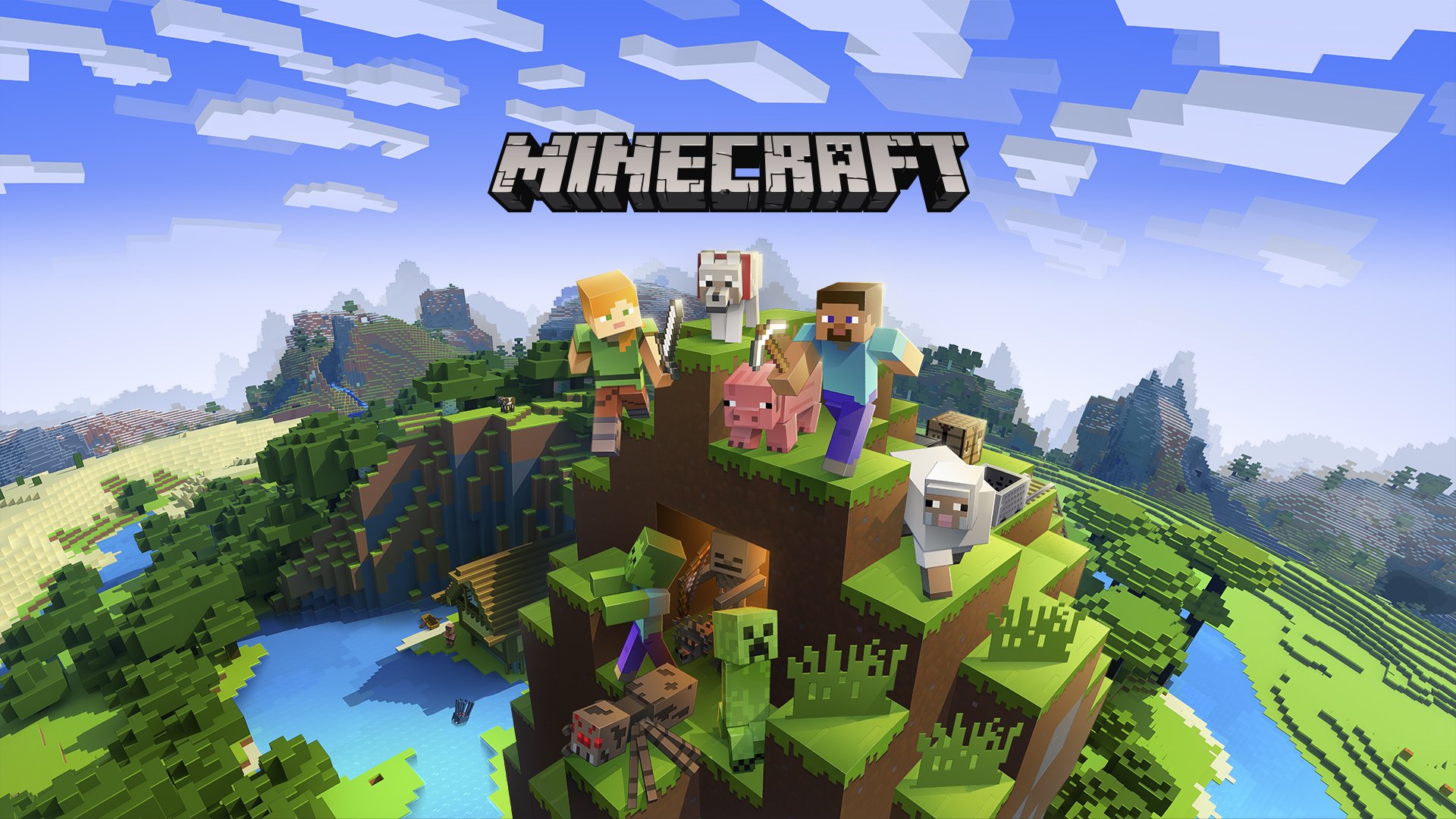
Minecraft is a game that has made history and continues to captivate players despite the years. It benefits from regular updates, the next one being version 1.20. Although it is very entertaining in single-player mode, the game takes on a whole new dimension when you play it with friends. That's why, in this article, we'll show you three tricks to create your own game server for free.
1. Free subscription servers
Firstly, we will mention an option that involves using servers offering a free subscription. Since it is a free option, it should be noted that these servers offer a very limited service. Customization of options is often restricted, and the allocated bandwidth is usually minimal, resulting in quite frequent slowdowns.
2. Minecraft Realms
Another option is to use a feature built directly into the game: Realms. This is a server system managed by Microsoft and integrated into Minecraft. This option is paid, but you can enjoy a 30-day free trial. You also have the option of importing your own map, which will allow you to test it for a month with other players on the server by reloading the same map each time.
By opting for this solution, you can therefore enjoy several months of free play. Although this option is limited in time, you can play up to 10 players simultaneously, ensuring you months of entertainment.
3. What if the server was you?
The last trick is to turn your computer into a server. To do this, go to the Minecraft website where you can download the configuration file. Then create a new folder and place the file in it before launching it. Open the eula.text file with your notepad, search for "eula", and replace the word "false" with "true".
Then, configure your server by going to the server properties with your notepad. Finally, launch the "start.bat" file and choose a server by typing "localhost" in the game.
However, it is important to note that this method is free and effective, but it requires a lot of resources on your computer and internet connection.
How much do paid servers cost, and how do they work?
On average, a server for 20 players will cost you about €5 per month and up to €30 if you want additional options to be able to mod your server for example.
You can choose the version of Minecraft, mods, plugins, or even server administrators using a control panel available on the site. There are hundreds, if not thousands, of sites that offer you the ability to manage a server. Among the biggest, we find OMGSERV, Hostinger, McProHosting, and many others. Often, these sites do not stop at Minecraft and offer hosting services for all sorts of things.
For those who may not be familiar with this block game, Minecraft is a construction and survival game developed by Mojang Studios and published by Microsoft. It has become extremely popular since its release in 2011, acclaimed for its open world and endless construction possibilities. Players can explore, gather resources, build structures, and more. There are several game modes, including survival mode where the player must find food, build shelter, and defend against enemies, as well as creative mode where the player has access to all resources and can build whatever they want.

