


Estás suscrito a Chefbook
Barra libre de artículos de viajes
SUSCRÍBETE a Chefbook por 2,99€/semana
IVA incluido y no te pierdas nada.
Fortnite Zero Hour: everything you need to know about the date, time, and access to the final event launching Chapter 7
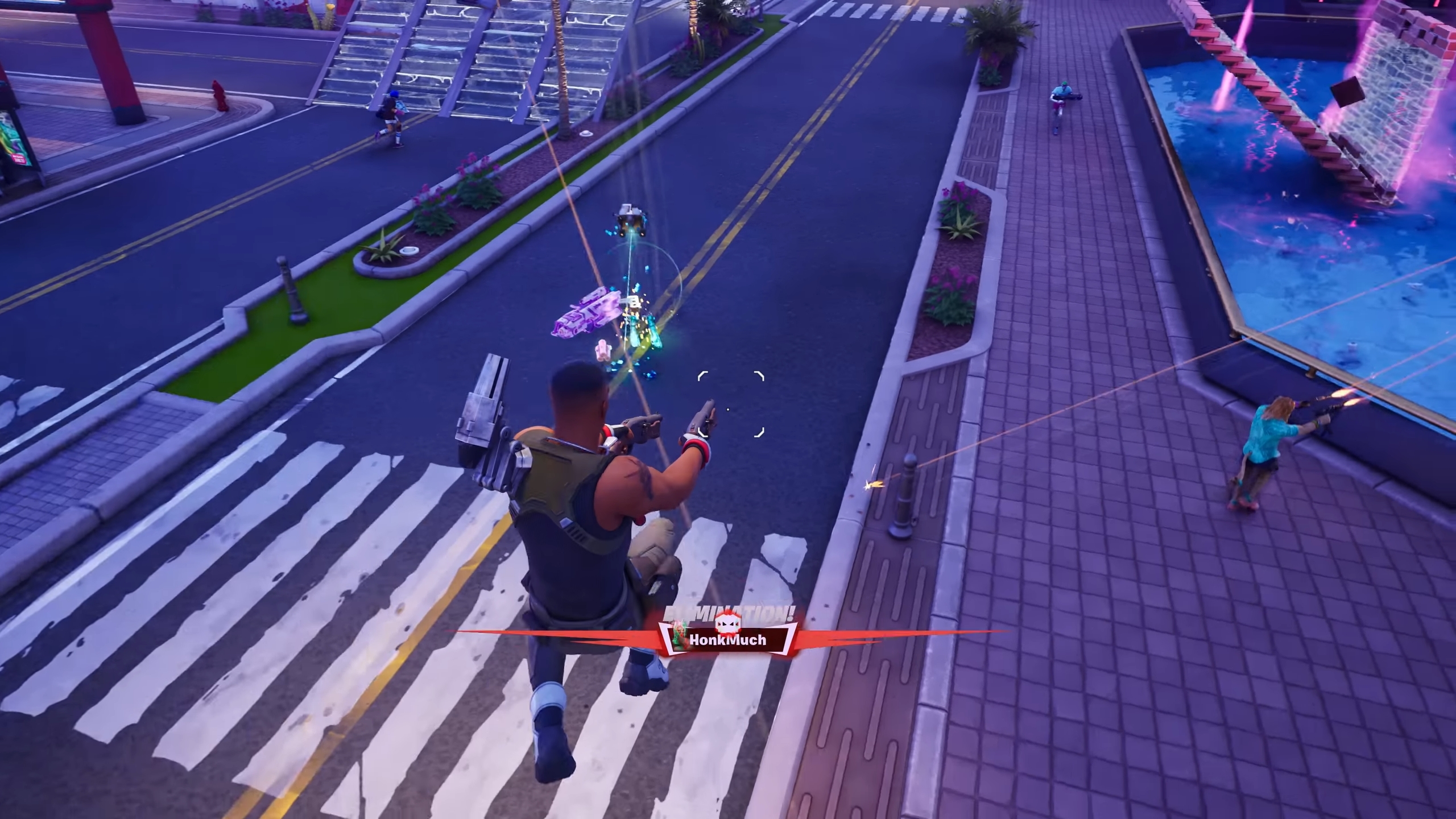
Fortnite closes Chapter 6 with Zero Hour, a live finale event that serves as a direct transition into Chapter 7. If you want to enjoy it fully, you need the exact start time, the playlist opening, and a few precautions to make sure you get in without any issues.
The event takes place on Saturday, November 29, 2025, replacing the usual end-of-season wrap-up with a fully scripted moment. In France, the playlist opens at 7:20 PM, and the live event starts exactly at 8 PM. Elsewhere in the world, that’s 11 AM PT / 2 PM ET in North America, 7 PM in the UK, and 4 AM on November 30 in Japan. No matter your region, it’s a one-time appointment.
To participate, it’s simple: a special “Zero Hour” playlist appears roughly 40 minutes before the event in the Battle Royale tab. The best move is to log in 30 to 40 minutes early to let the in-game update load and avoid queue issues. Once you’re in the lobby, just wait for the countdown: when the timer hits zero, the match locks in and automatically transitions into the event with no option to return to the menu.
Once the live event ends, servers go into maintenance to prepare for the launch of Chapter 7 Season 1. According to early leaks, downtime should last several hours, with servers reopening during the night of November 29 to 30 depending on the region. This live event also marks the end of the Springfield/Simpsons mini-season, making room for a brand-new map and a fresh vibe for Chapter 7.
Before Zero Hour starts, make sure you finish your Battle Pass and quests, because everything gets locked once the event begins. Also check that your update is installed, your disk space is fine, and nothing is downloading in the background so you don’t get disconnected at the worst possible moment. If you want to capture the event, record the countdown, your reactions, and the final screen — those are the moments that generate the most buzz afterward.

