


Estás suscrito a Chefbook
Barra libre de artículos de viajes
SUSCRÍBETE a Chefbook por 2,99€/semana
IVA incluido y no te pierdas nada.
Nightreign Guide: How to Unlock the Scholar and the Undertaker Step by Step
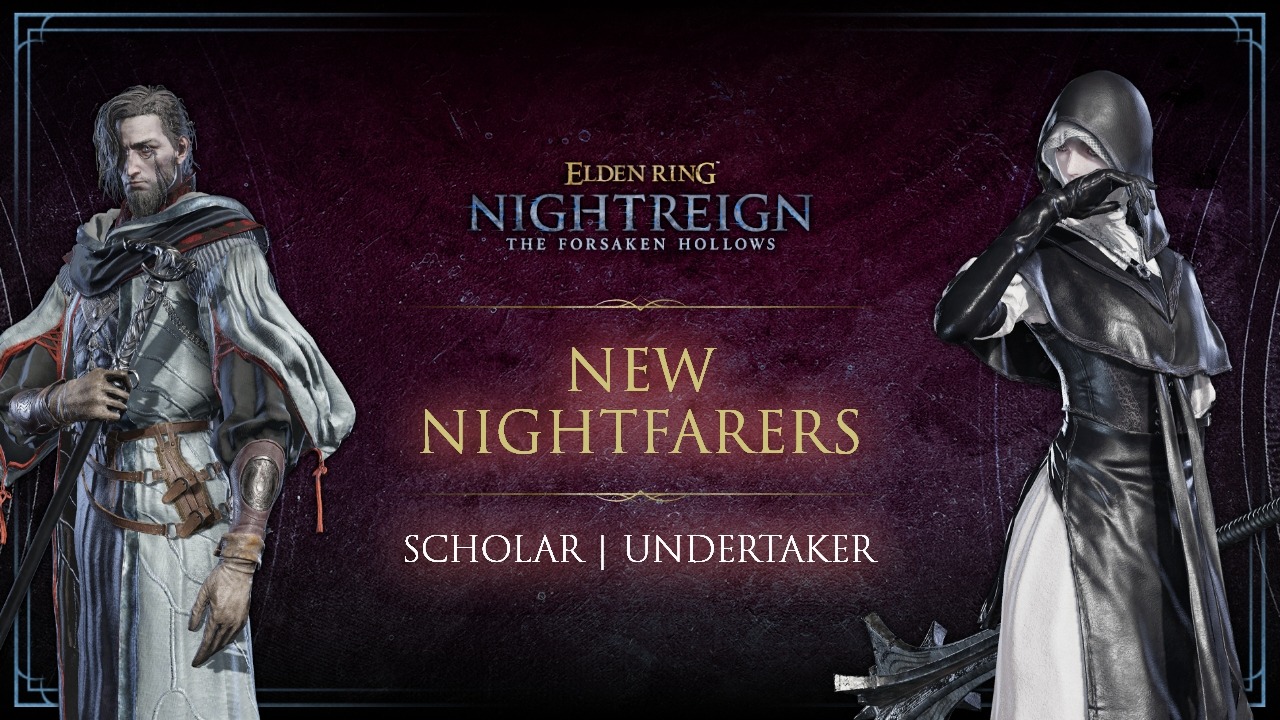
To unlock the Scholar and the Undertaker in Elden Ring Nightreign, you first need to progress through the DLC story until you defeat Tricephale. Once that boss is down, a short sequence of events unfolds at the Roundtable Bastion, and that’s what opens access to the two Nocturnes. As soon as the new room appears, talk to them and boom they join your roster of playable characters.
Before anything else, make sure Forsaken Hollows is properly installed and your game is up to date, or the script won’t trigger. Then simply keep advancing through Nightreign until you reach the fight against Tricephale. After your victory, you’re automatically sent back to the Bastion, but in a modified state: altered dialogue, NPCs moving around… that reset is what enables the whole chain of events.
Your next step is near the iron steward. Speak to him: he relays a message from the little jar-merchant and points you toward a normally sealed door right beside him. Examine it… and you’re thrown into an arena where the Dreglord is already fighting the Scholar and the Undertaker. The fight is scripted whether you win or lose doesn’t matter. A cutscene plays, everything wraps up, and you’re sent once again back to the Roundtable. At this point, the Bastion has shifted state a second time, confirming you’re on the right path.
Return to the same door near the jar-merchant: it no longer leads to the same place at all. A new room has opened, one that didn’t exist before, and both the Scholar and the Undertaker are waiting for you inside. Talk to each of them and you unlock them permanently in your character selection menu.
Recruiting them doesn’t just give you two new playable characters: it also unlocks major DLC content, such as the rare field Grand Vallon or the Harmonizers boss.

